Skip to content

Precision video study for Mac

Don’t just watch.
Understand every move.

Slow down the moment that matters. Fine-step through an instructional video, zoom from 10% to 300%, and pan across the picture to inspect details an ordinary web player can leave behind.

Native macOS app Official online playback No local video copy
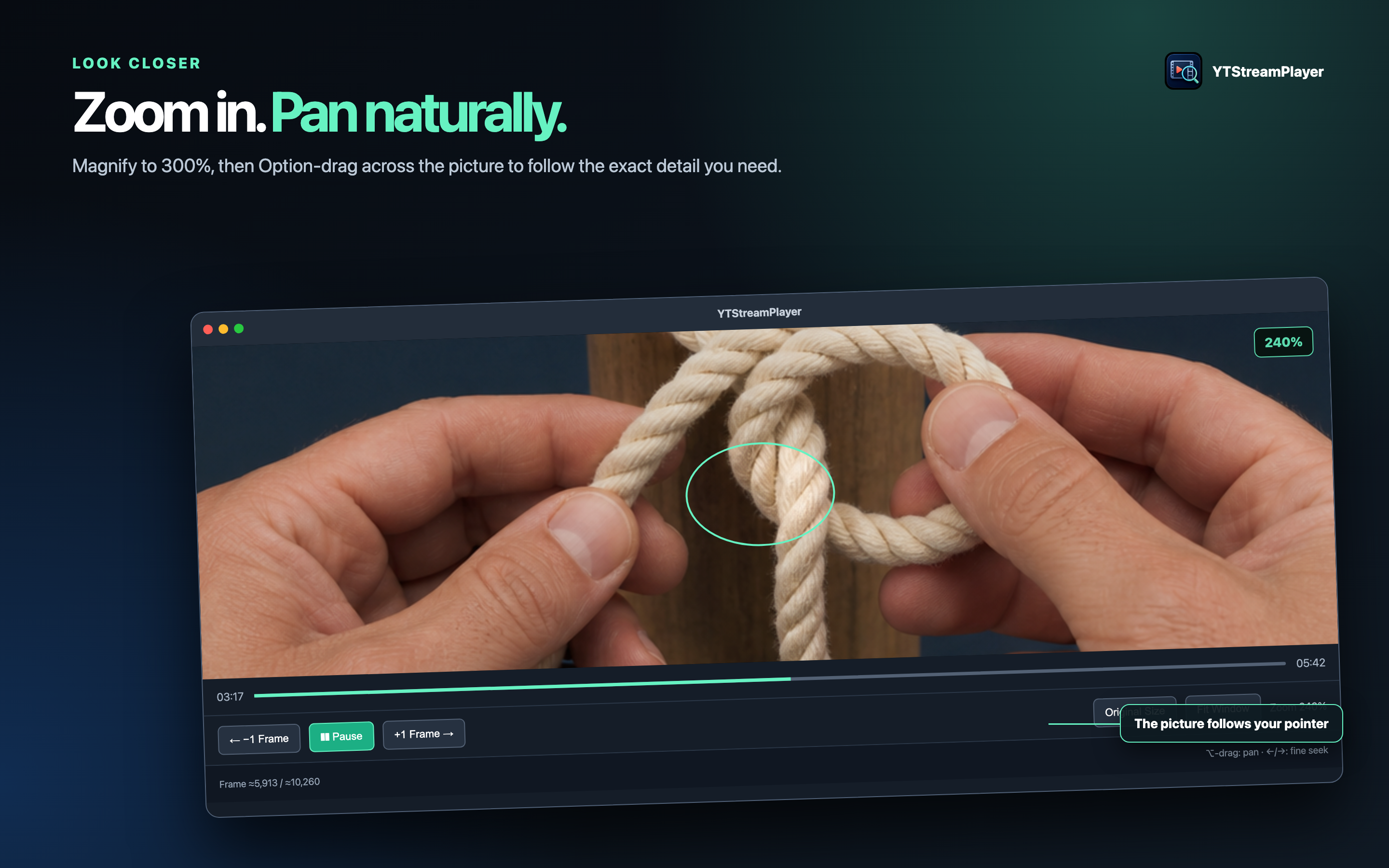
Hands demonstrating a rope knot 240%

Built for active learning

When play and pause aren’t enough.

Instructional video often hides its most valuable information in a fraction of a second. YTStreamPlayer turns those fleeting moments into something you can inspect, compare, and practice.

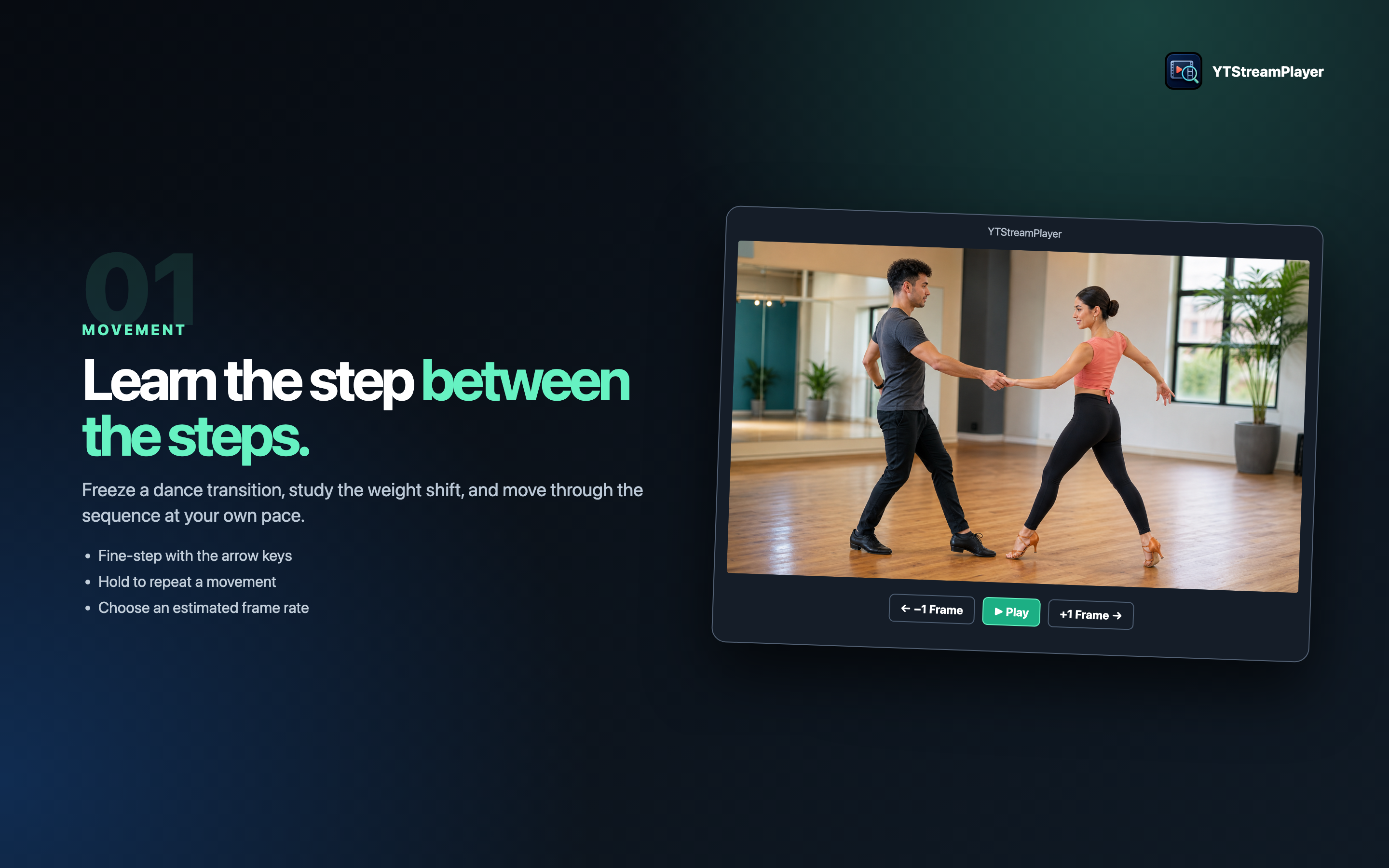
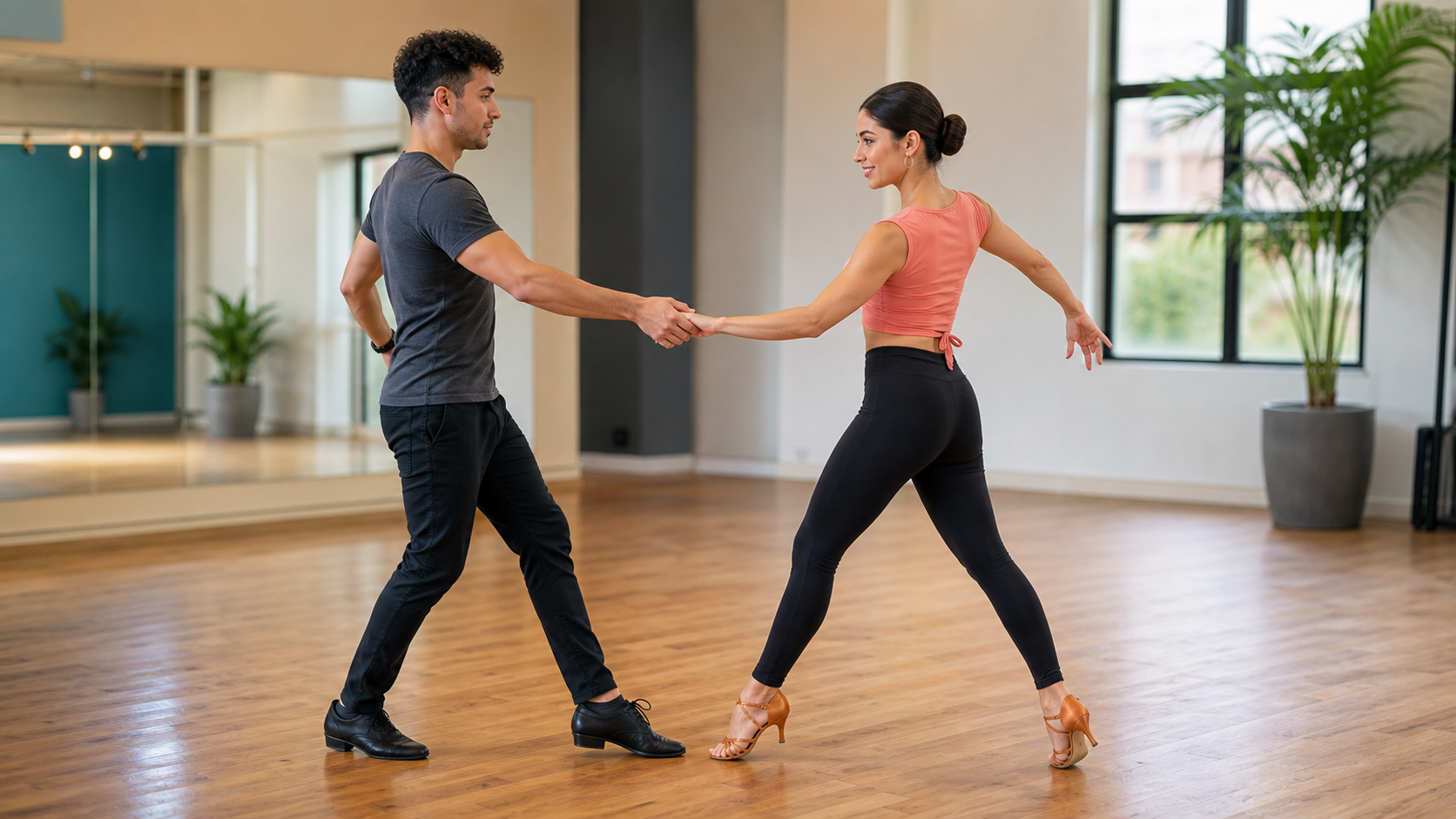
Dance partners demonstrating footwork
01

Movement

Learn the step between the steps.

Pause at a dance transition, move forward one estimated frame interval at a time, and study exactly when weight, direction, or hand position changes.

  • Fine-step forward or backward
  • Select the frame-rate estimate
  • Hold a frame control to repeat
Close view of hands tying a knot
02

Hands-on skills

Follow the rope, not the camera.

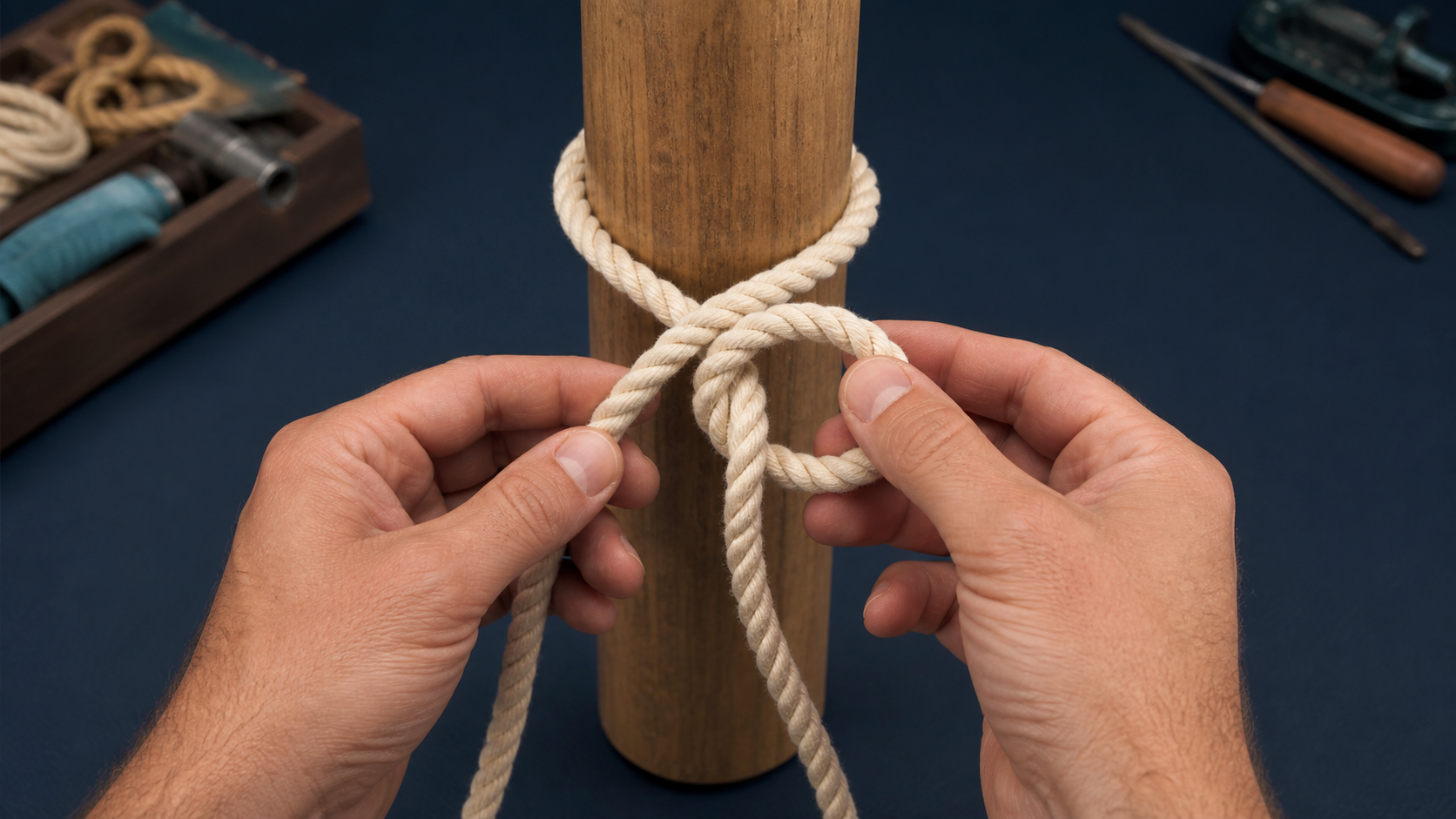
Enlarge a knot tutorial to see which strand crosses first, then Option-drag across the magnified picture without changing the selected zoom level.
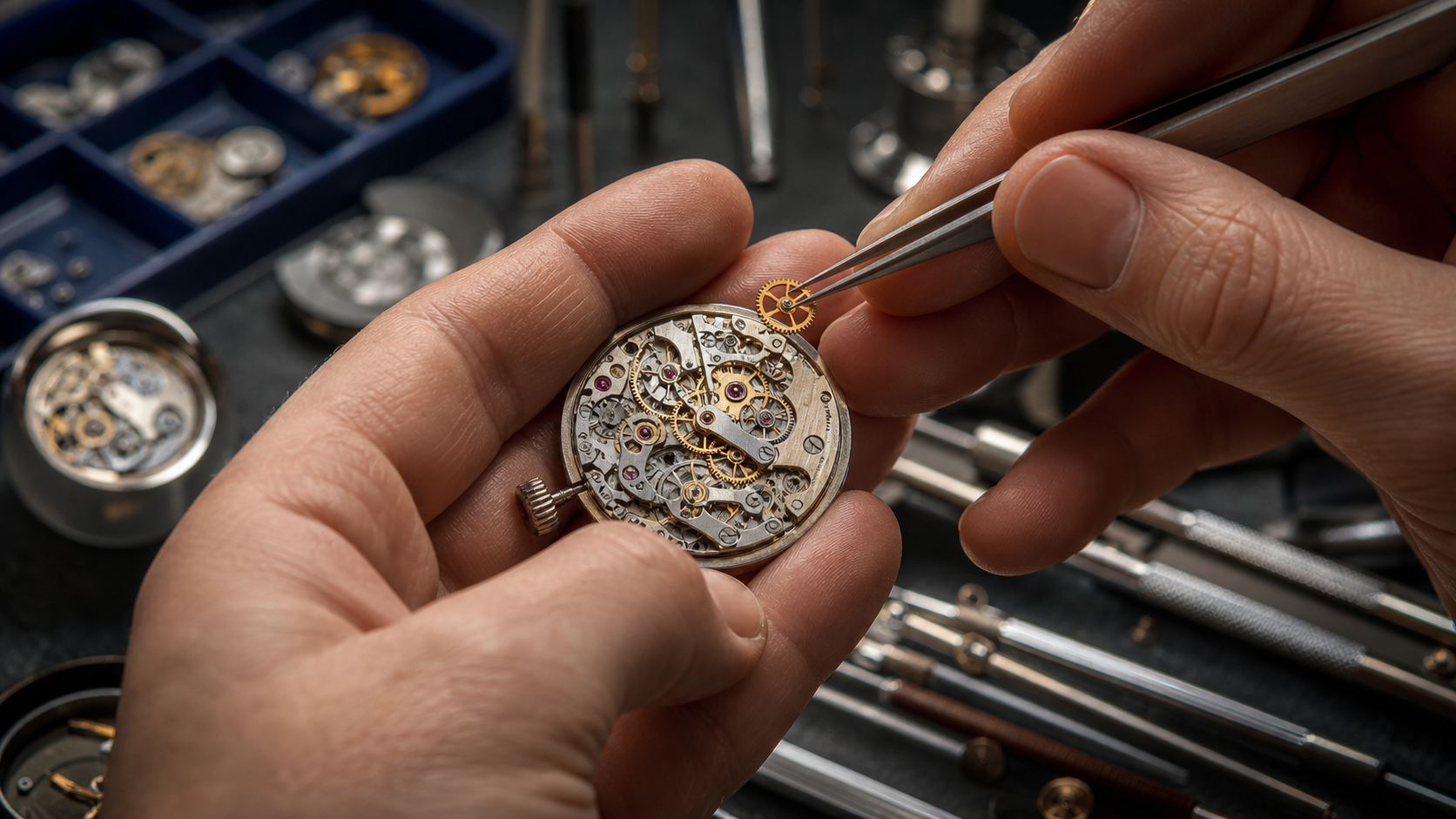
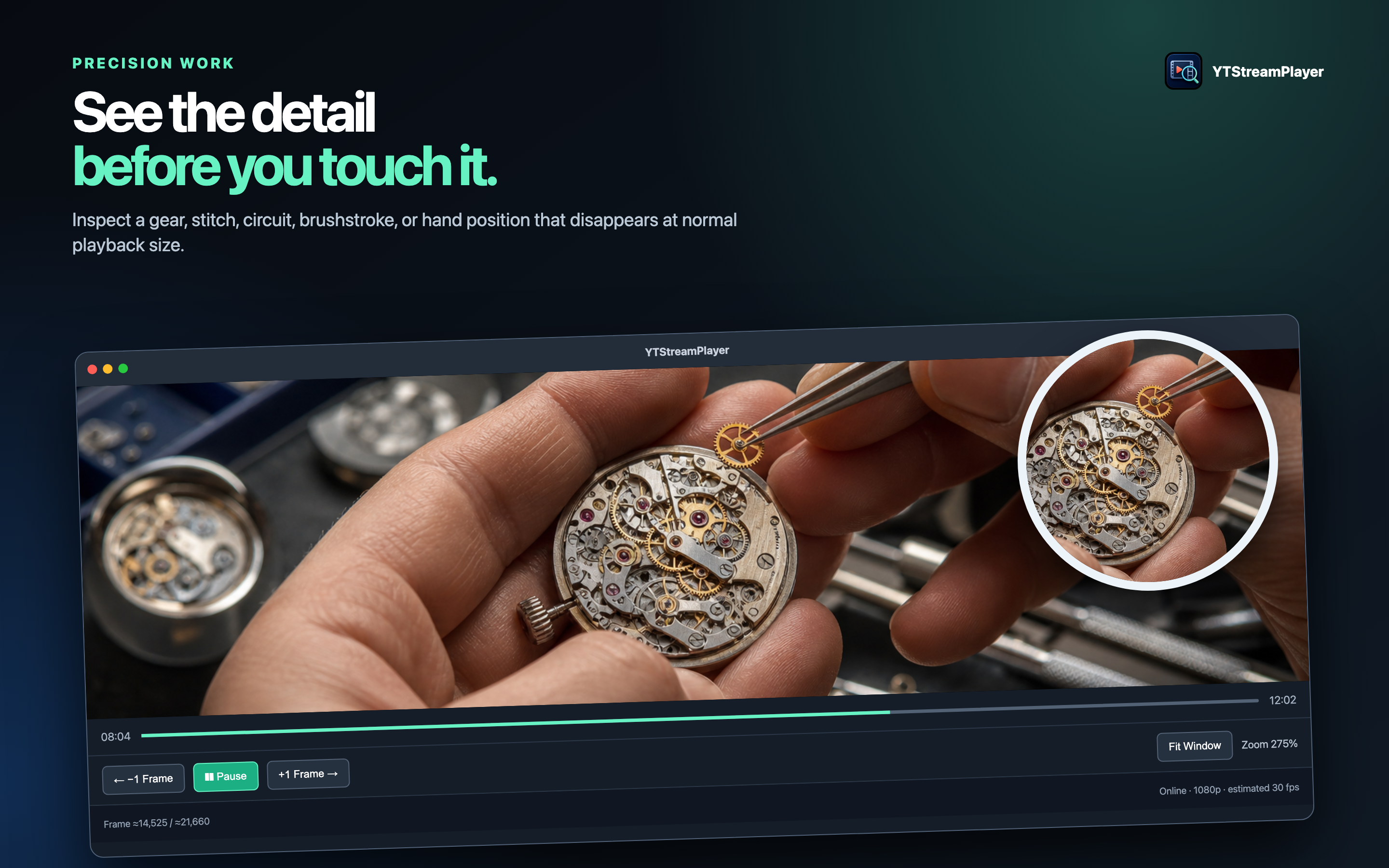
Watch repair viewed in close detail
03

Precision work

Inspect details that disappear at normal size.

Zoom into a tiny component, pan to the tool, and use the app timeline with estimated fine controls to compare placement before touching the real mechanism.
Hands pleating a dumpling
04

Craft and cooking

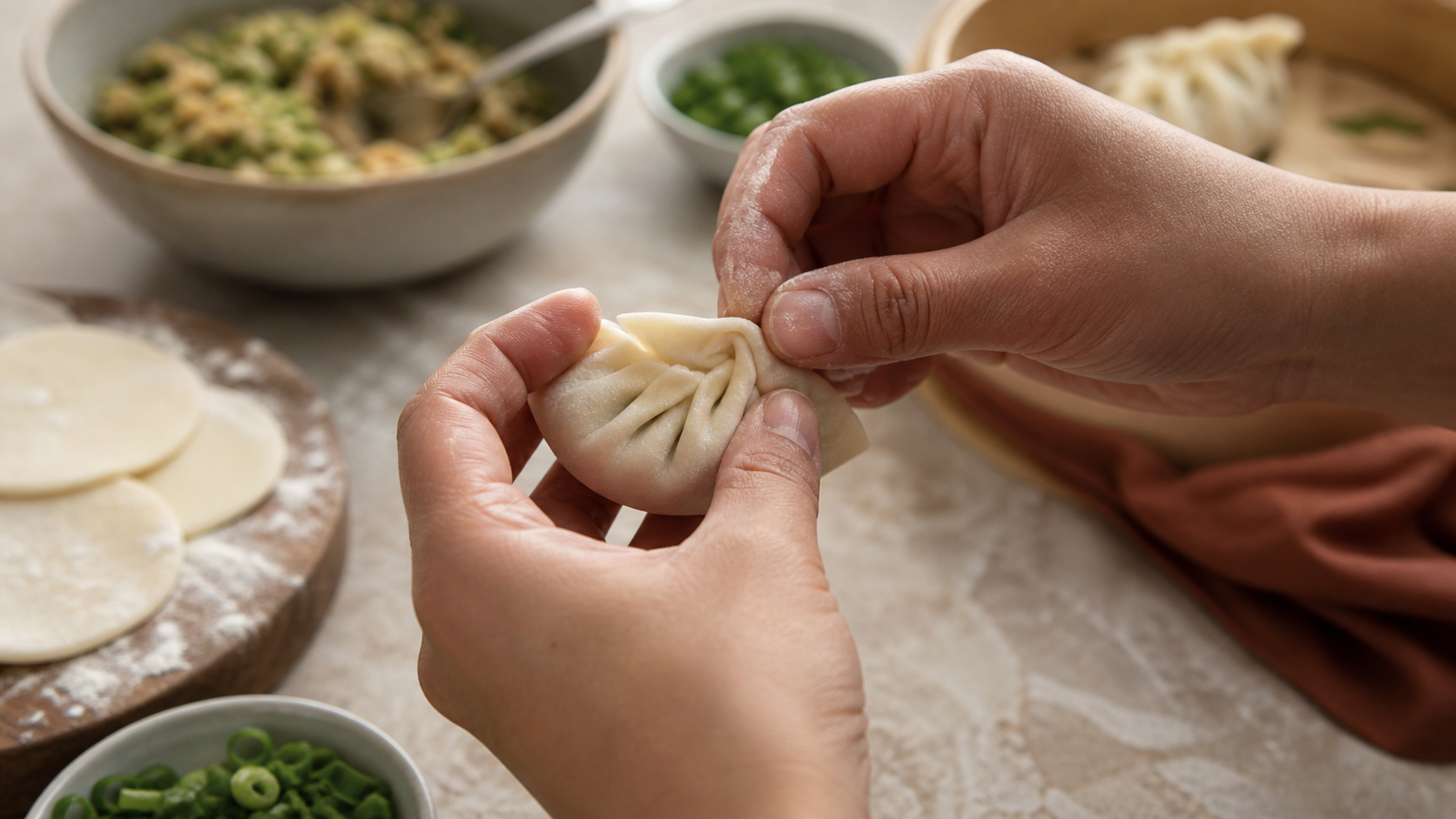
Replay a hand technique without starting over.

Study one fold, stitch, brush stroke, or cooking motion at a time. Keyboard controls help keep both hands near the work surface.

Purpose-built controls

Everything needed to study a moment.

Estimated fine-step

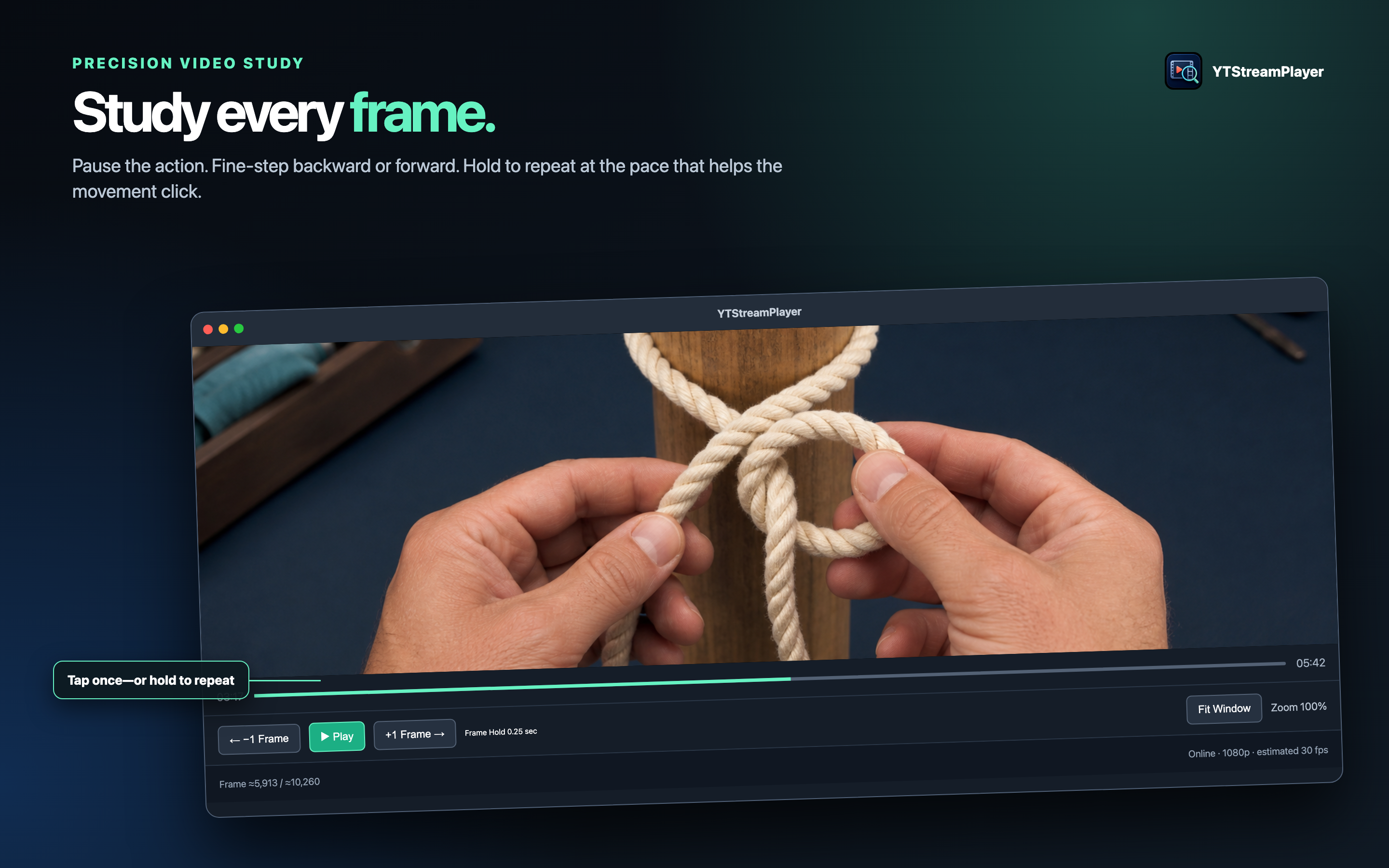
Pause and move backward or forward by one estimated frame interval with buttons or arrow keys. Hold either button to repeat.

10% to 300% zoom

Fit the full picture, return to original size, or magnify the exact part of a lesson you need to inspect.

Pan while magnified

Option-drag, two-finger scroll, Option-arrow keys, or accessible menu commands move through an enlarged video without changing zoom.

App timeline

Seek to a new point and continue from there after buffering. The player may land near a keyframe.

Mac-first controls

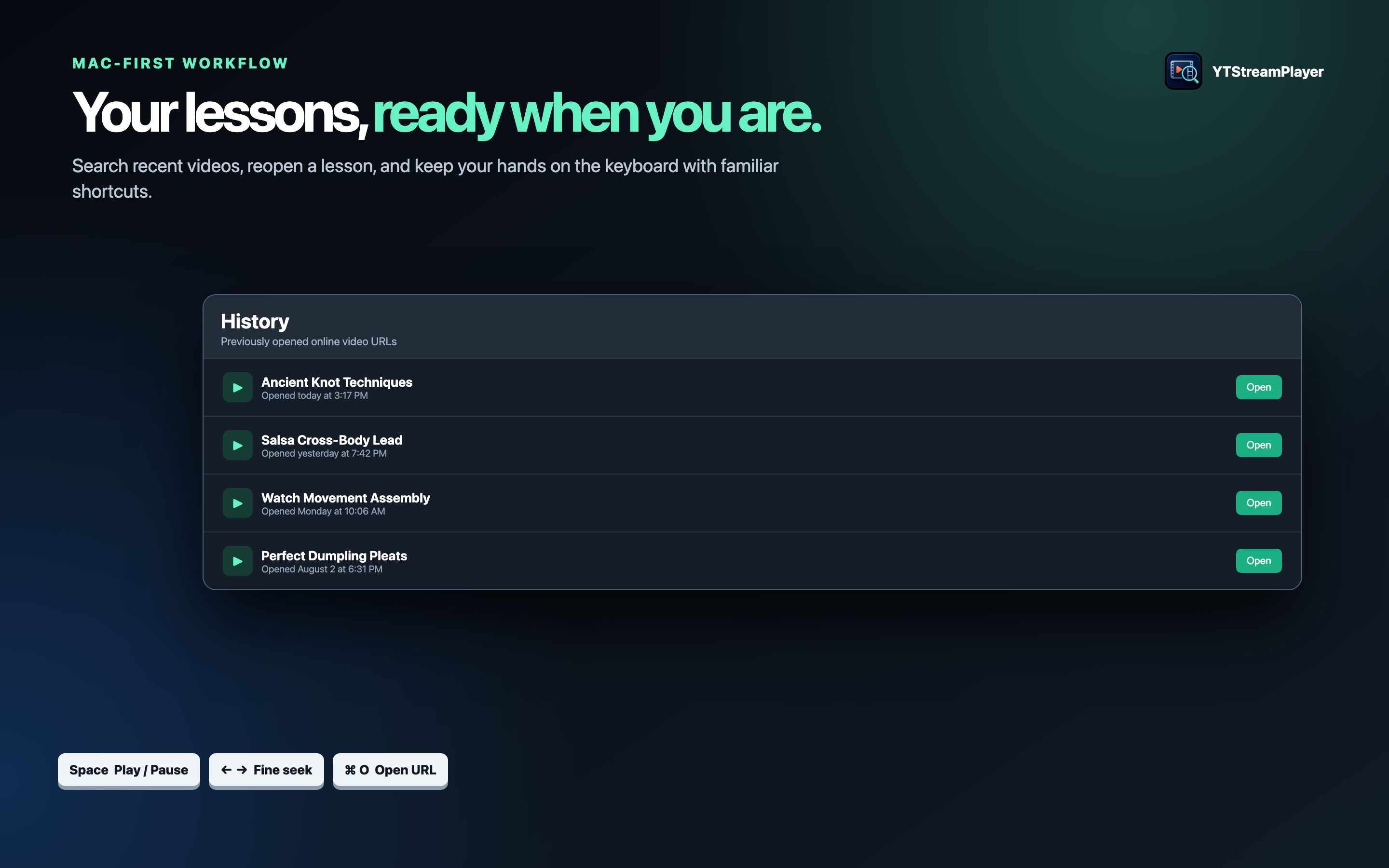
Use Space to play or pause, arrows to fine-seek, Command-O for a URL, searchable history, and contextual help.

Search playlist

Optional Google sign-in enables read-only YouTube search. Results create an ordered playlist with previous and next controls.

Privacy by design

Your choices stay visible.

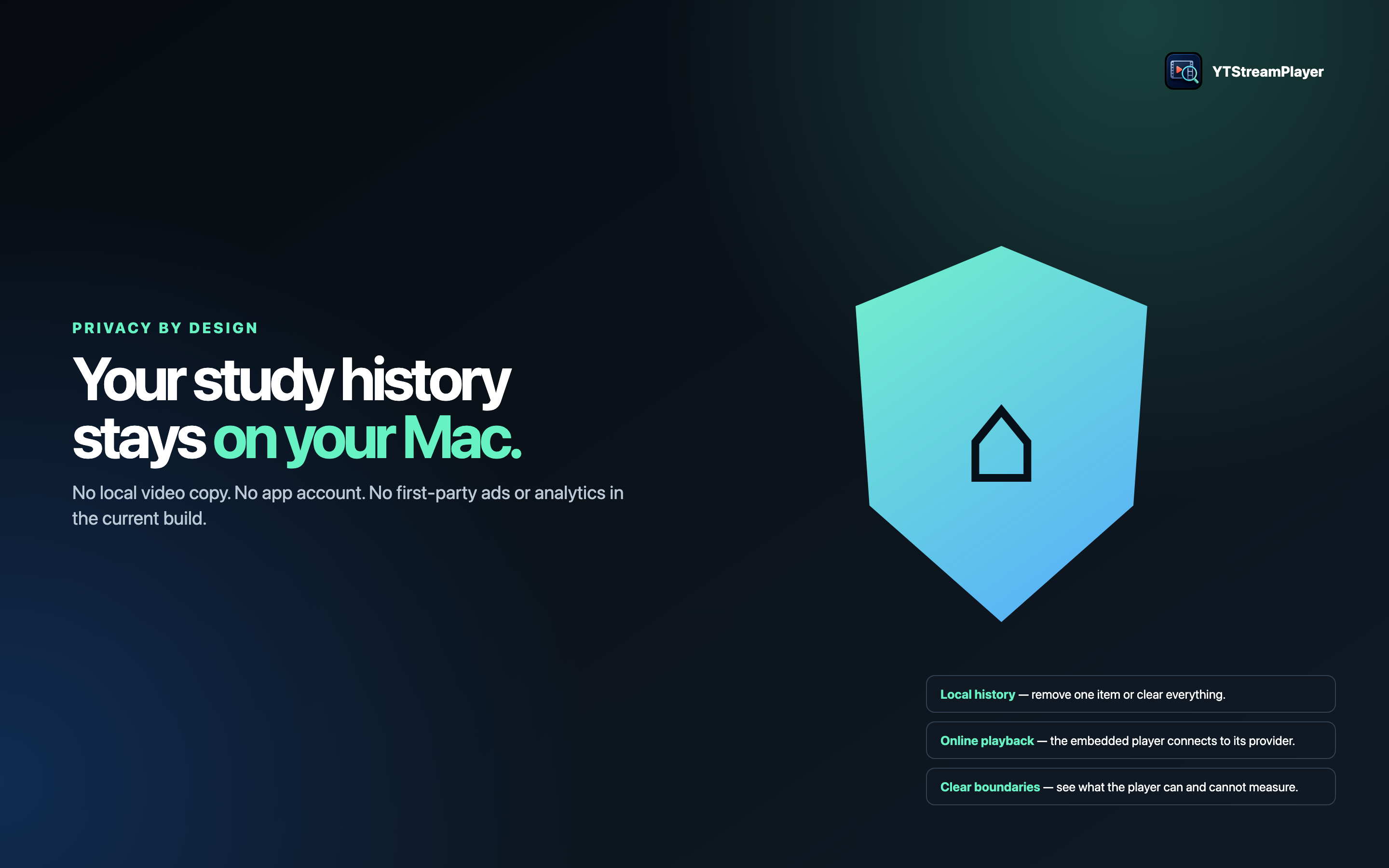
YTStreamPlayer does not download the video, include an advertising SDK, or automatically transmit diagnostics. Loading and search connect to Google and YouTube only after the first-use disclosure is accepted.

Local controlsHistory, search terms, diagnostics, and MetricKit retention have independent settings and deletion controls.

Optional accountGoogle sign-in is used only for read-only YouTube search. Direct supported URLs can be opened without signing in.

Preview before sharingProblem reports and feature suggestions are created locally. You choose the information and destination.

Support that listens

Ideas, questions, or a problem?

The in-app report lets you review every included information group before anything is copied, saved, or shared.

YTStreamPlayer app icon

Mac App Store product details

YTStreamPlayer

Zoom, pan, and study video

CategoryPhoto & VideoAlso useful forEducationCompatibilitymacOS 15.0 or laterLanguageEnglish

Important precision note

YouTube’s embedded player does not expose decoded frames or source frame rate. Fine-step positions and frame readouts are estimates, and YouTube may seek to a nearby keyframe.

Content and availability

Playback requires internet access. Video availability, embedding, quality, captions, advertising, playback speeds, branding, and related links remain controlled by YouTube and the video owner.